개인 서버 CLI에 Claude Code + Discord - Claude Code Mobile 비교

현재, Claude Code에 Discord를 연결해서 사용중이다. 기존 Claude Code에서 만든 모바일 접속 클라이언트(Remote Control과 붙여 사용)가 있긴 하나 Claude Code를 단순 개발 목적 이외(타인 공유)에도 사용하고 있기 때문에 잘 사용하고 있다. 어떤 장단이 있는지 정리해보고자 한다.
요약
비교 코드 버전: ybjeon/claude-discord-bot/releases/tag/v1.0.3
| 항목 | Claude Code + Discord (v1.0.3) | Claude Code Remote Control (Mobile) |
| Author | 나 | Claude |
| 사용법 | Discord bot을 생성해서 channel과 연결 | Claude Code session 열기 |
| 장점 | Claude 계정이 없어도 channel을 열어 다른 사람도 사용 가능 (권한 관리 가능, @멘션으로 봇만 호출) | 1인 (Claude 계정 연결) |
| UI 친화적 | Low (중간 생각 과정 노출 x) | High (중간 생각 과정 보여줌) |
| 이슈 | - Permission Button 부재 | - Permission 무한 요청 버그 |
Claude Code
UI 친화적
당연하지만 Claude Code 모바일앱은 Claude에서 만들었기 때문에 Interface의 유연성이 훨씬 좋아 중간 사고 과정이나 프로그레스를 더 잘 보여준다.
Permission 무한 요청 버그
참고:
- https://www.reddit.com/r/ClaudeCode/comments/1rg5t86/remote_control_bug_asking_permissions_with_bypass/
- https://news.hada.io/topic?id=27831
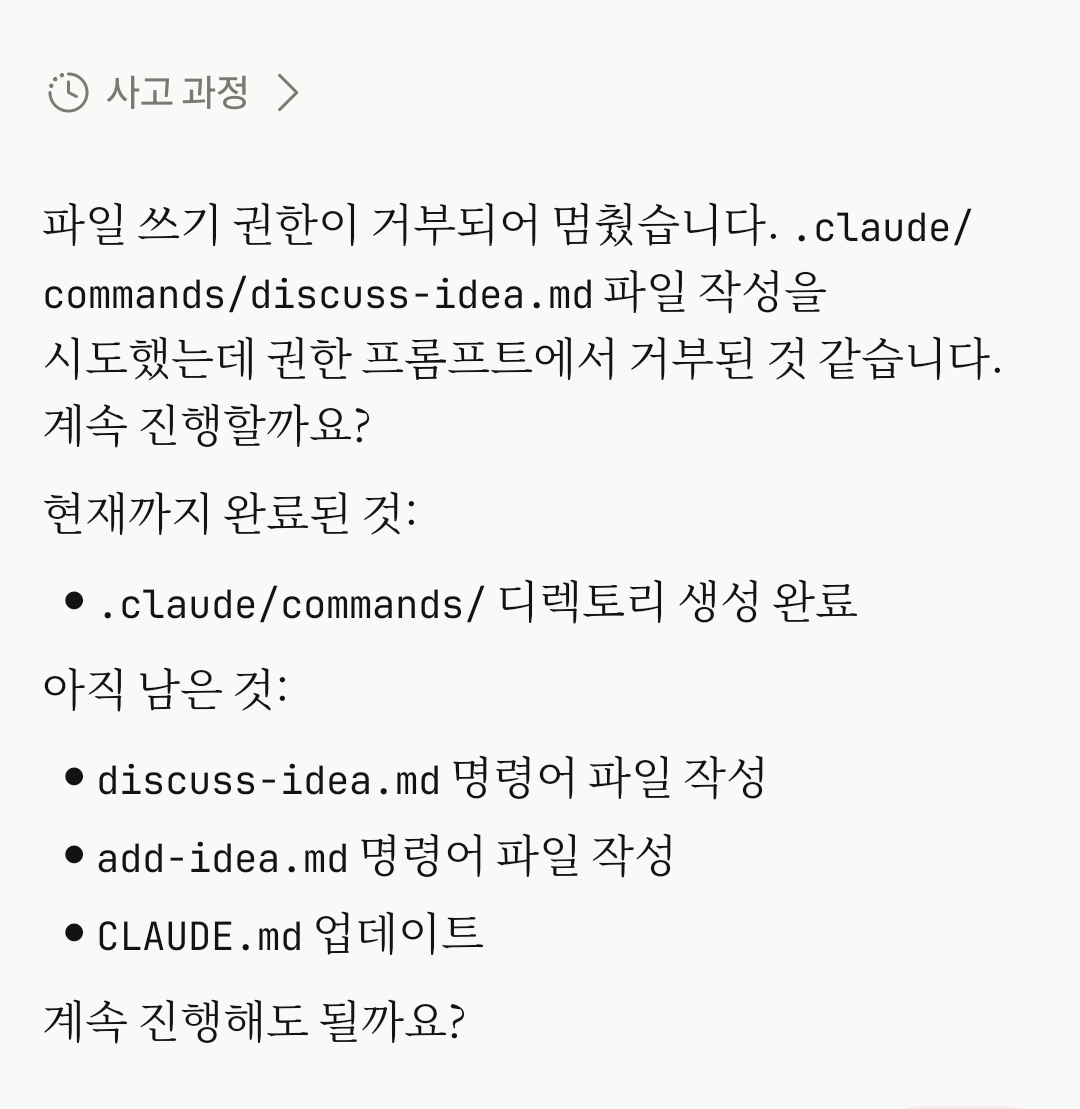
해결책
1) 터미널일 경우 자동 모드 끄기:
세션 내 퍼미션(Permission) 모드 설정을 변경(Shift+Tab)하거나 터미널 킬 때 아래처럼 옵션 추가
claude --permission-mode default        # 안전 모드로 시작
claude --permission-mode acceptEdits    # 편집 자동 승인
claude --permission-mode plan           # 계획만
본인은 아래처럼 스크립트 만들어서 쓴다.
echo 'claude --name my-project --permission-mode default --remote-control' > run-claude-code.sh
chmod +x run-claude-code.sh
./run-claude-code.sh
2) VS Code chat일 경우 개발자 설정 사용:
VS Code 확장 프로그램의 Settings -> Claude Code 또는 터미널 설정(General Config)에서 권한 승인 모드를 Default(기본)나 Auto(자동) 모드로 명확히 설정
Session reset 기능 부재
로컬에서 한 Session을 열어놓고 Remote Control을 킨 다음 Claude Code 모바일에 접속하는 방식이기 때문에, 내가 Session을 추가하거나 리셋하는 과정이 꼭 있어야한다. 앞에서 했던 얘기가 뒤에서 할 얘기랑 전혀 다르면 Claude가 다르게 이해할 수 있다. 근데 Session reset 기능이 모바일에서는 없다. 정확히 말하면 Remote control 모바일에서 /clear를 날려도 반대쪽에서 받지 않는다.
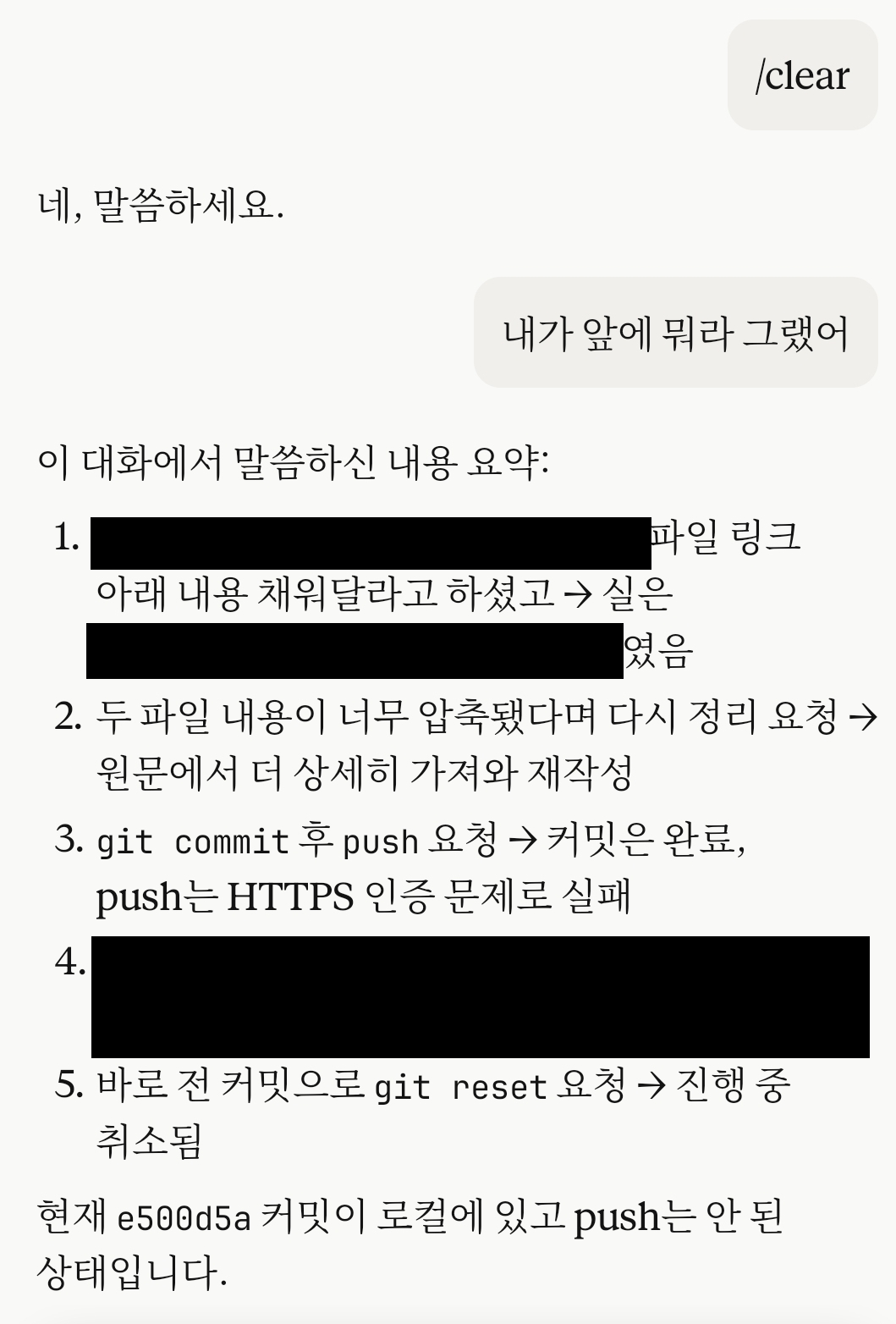
앞에 내용 물어보면 그대로 대답하는걸 보니 context 초기화가 안됐다.
다른 대안이 없나 찾아보니 Context가 길어져서 성능이 떨어지면 ssh로 접속해서 리셋하는 방법 외에는 없는 듯 하다. 업데이트 해줄 법도 한데 아직 개발을 안한것 같다.
수정
Claude에서 /clear 기능을 업데이트 한 것 같다. 테스트해보니 잘 된다.
https://code.claude.com/docs/en/remote-control 내용 中
Some commands are local-only: commands that open an interactive picker in the terminal, such as /plugin or /resume, work only from the local CLI. Commands that produce text output, including /compact, /clear, /context, /usage, /exit, /usage-credits, /recap, and /reload-plugins, work from mobile and web. As of v2.1.166, /mcp also works from mobile and web: it returns a text summary of server status instead of opening the picker, and accepts the same reconnect, enable, and disable subcommands as the local CLI, with one difference: from mobile and web, /mcp reconnect with no server name reconnects every server that has failed or needs authentication, while the local CLI requires a server name for reconnect.