
현재, Claude Code에 Discord를 연결해서 사용중이다. 기존 Claude Code에서 만든 모바일 접속 클라이언트(Remote Control과 붙여 사용)가 있긴 하나 Claude Code를 단순 개발 목적 이외(타인 공유)에도 사용하고 있기 때문에 잘 사용하고 있다. 어떤 장단이 있는지 정리해보고자 한다.
요약
비교 코드 버전: ybjeon/claude-discord-bot/releases/tag/v1.0.3
| 항목 | Claude Code + Discord (v1.0.3) | Claude Code Remote Control (Mobile) |
| Author | 나 | Claude |
| 사용법 | Discord bot을 생성해서 channel과 연결 | Claude Code session 열기 |
| 장점 | Claude 계정이 없어도 channel을 열어 다른 사람도 사용 가능 (권한 관리 가능, @멘션으로 봇만 호출) | 1인 (Claude 계정 연결) |
| UI 친화적 | Low (중간 생각 과정 노출 x) | High (중간 생각 과정 보여줌) |
| 이슈 | - Permission Button 부재 | - Permission 무한 요청 버그 |
Claude Code
UI 친화적
당연하지만 Claude Code 모바일앱은 Claude에서 만들었기 때문에 Interface의 유연성이 훨씬 좋아 중간 사고 과정이나 프로그레스를 더 잘 보여준다.
Permission 무한 요청 버그
참고:
- https://www.reddit.com/r/ClaudeCode/comments/1rg5t86/remote_control_bug_asking_permissions_with_bypass/
- https://news.hada.io/topic?id=27831
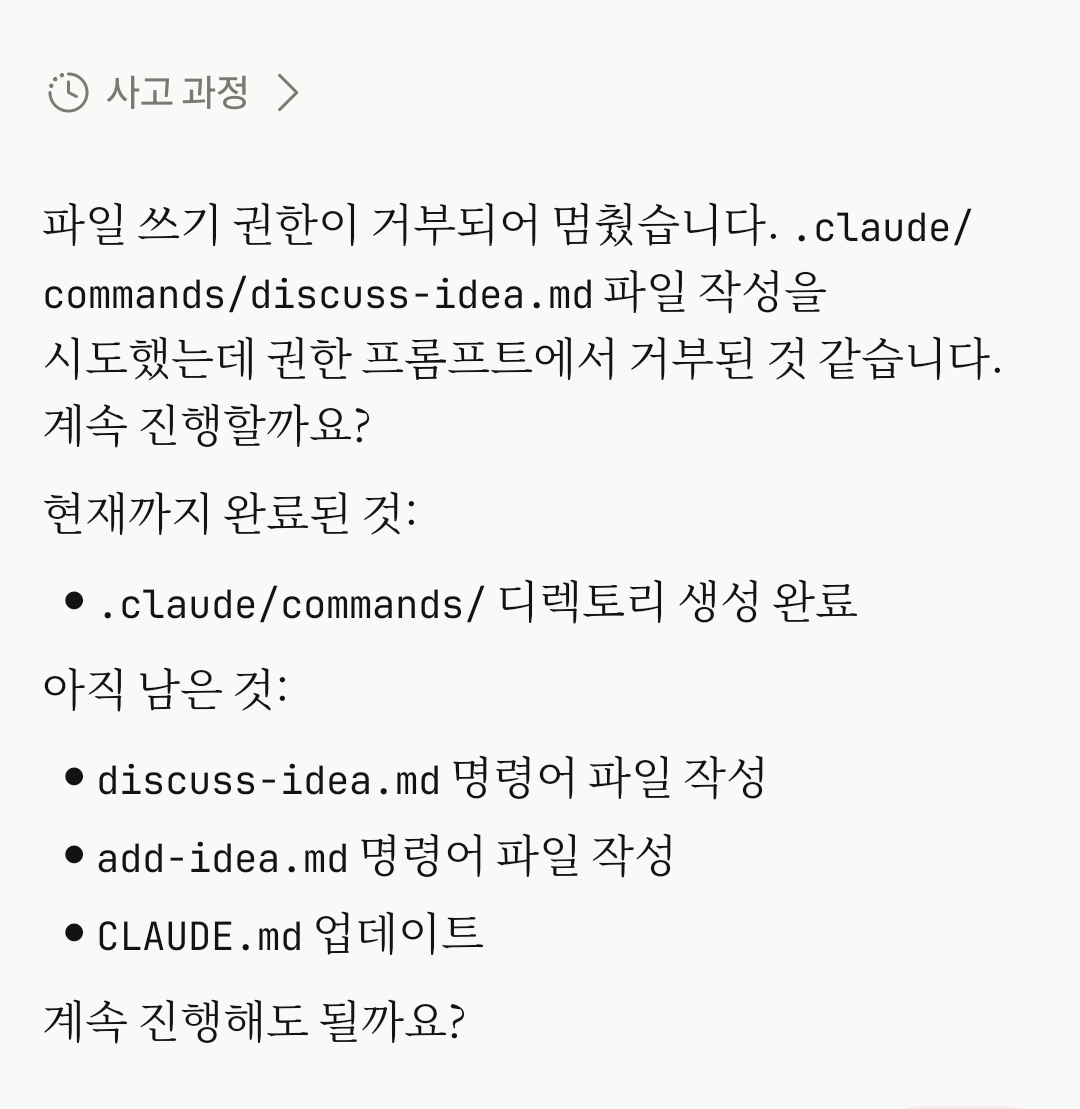
해결책
1) 터미널일 경우 자동 모드 끄기:
세션 내 퍼미션(Permission) 모드 설정을 변경(Shift+Tab)하거나 터미널 킬 때 아래처럼 옵션 추가
claude --permission-mode default        # 안전 모드로 시작
claude --permission-mode acceptEdits    # 편집 자동 승인
claude --permission-mode plan           # 계획만
본인은 아래처럼 스크립트 만들어서 쓴다.
echo 'claude --name my-project --permission-mode default --remote-control' > run-claude-code.sh
chmod +x run-claude-code.sh
./run-claude-code.sh
2) VS Code chat일 경우 개발자 설정 사용:
VS Code 확장 프로그램의 Settings -> Claude Code 또는 터미널 설정(General Config)에서 권한 승인 모드를 Default(기본)나 Auto(자동) 모드로 명확히 설정
Session reset 기능 부재
로컬에서 한 Session을 열어놓고 Remote Control을 킨 다음 Claude Code 모바일에 접속하는 방식이기 때문에, 내가 Session을 추가하거나 리셋하는 과정이 꼭 있어야한다. 앞에서 했던 얘기가 뒤에서 할 얘기랑 전혀 다르면 Claude가 다르게 이해할 수 있다. 근데 Session reset 기능이 모바일에서는 없다. 정확히 말하면 Remote control 모바일에서 /clear를 날려도 반대쪽에서 받지 않는다.
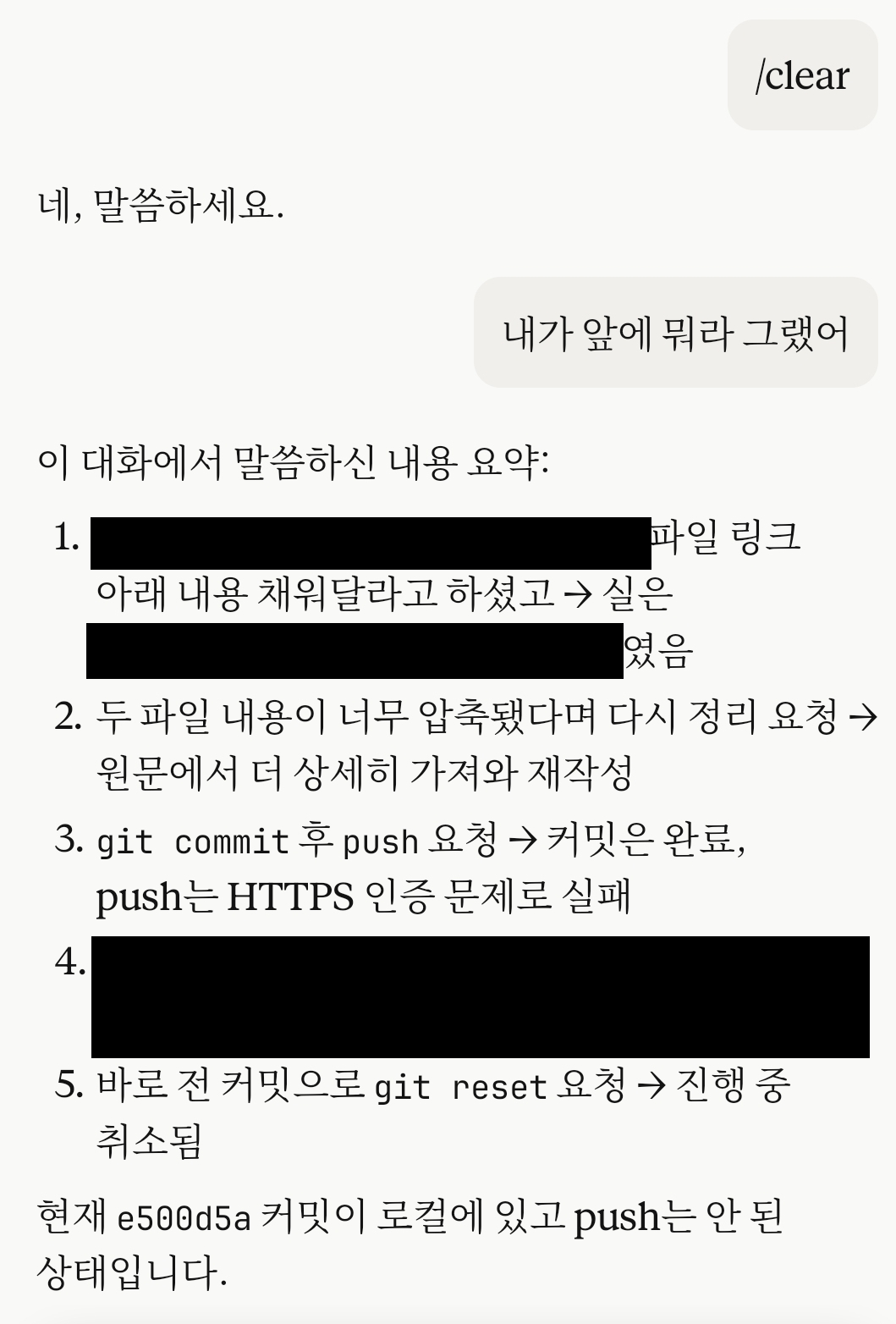
앞에 내용 물어보면 그대로 대답하는걸 보니 context 초기화가 안됐다.
다른 대안이 없나 찾아보니 Context가 길어져서 성능이 떨어지면 ssh로 접속해서 리셋하는 방법 외에는 없는 듯 하다. 업데이트 해줄 법도 한데 아직 개발을 안한것 같다.
수정
Claude에서 /clear 기능을 업데이트 한 것 같다. 테스트해보니 잘 된다.
https://code.claude.com/docs/en/remote-control 내용 中
Some commands are local-only: commands that open an interactive picker in the terminal, such as /plugin or /resume, work only from the local CLI. Commands that produce text output, including /compact, /clear, /context, /usage, /exit, /usage-credits, /recap, and /reload-plugins, work from mobile and web. As of v2.1.166, /mcp also works from mobile and web: it returns a text summary of server status instead of opening the picker, and accepts the same reconnect, enable, and disable subcommands as the local CLI, with one difference: from mobile and web, /mcp reconnect with no server name reconnects every server that has failed or needs authentication, while the local CLI requires a server name for reconnect.
'Dev' 카테고리의 다른 글
| AWS의 AI-DLC (AI-Driven Development Life Cycle): robust 바이브 코딩 (0) | 2026.06.16 |
|---|---|
| 개인 서버 CLI에 Claude Code + Discord - #4 다중 권한 설정 + @멘션으로 봇 호출 (0) | 2026.06.12 |
| 개인 서버 CLI에 Claude Code + Discord - #3 채널마다 프로젝트 연결 + write 테스트 (0) | 2026.06.06 |
| 개인 서버 CLI에 Claude Code + Discord - #2 Session 추가 (0) | 2026.06.05 |
| 개인 서버 CLI에 Claude Code + Discord - #1 기본 연결 (0) | 2026.05.24 |