
목표
- IP 사람들이 많이 쓰고 있다는 "CLI에 Coding agent 연결하기"
코드
코드 링크: https://github.com/ybjeon/claude-discord-bot
버전: tag/v1.0.0
1. Claude code 설치
# 공식 설치 스크립트
curl -fsSL https://claude.ai/install.sh | zsh

# 또는 npm 방식
npm install -g @anthropic-ai/claude-code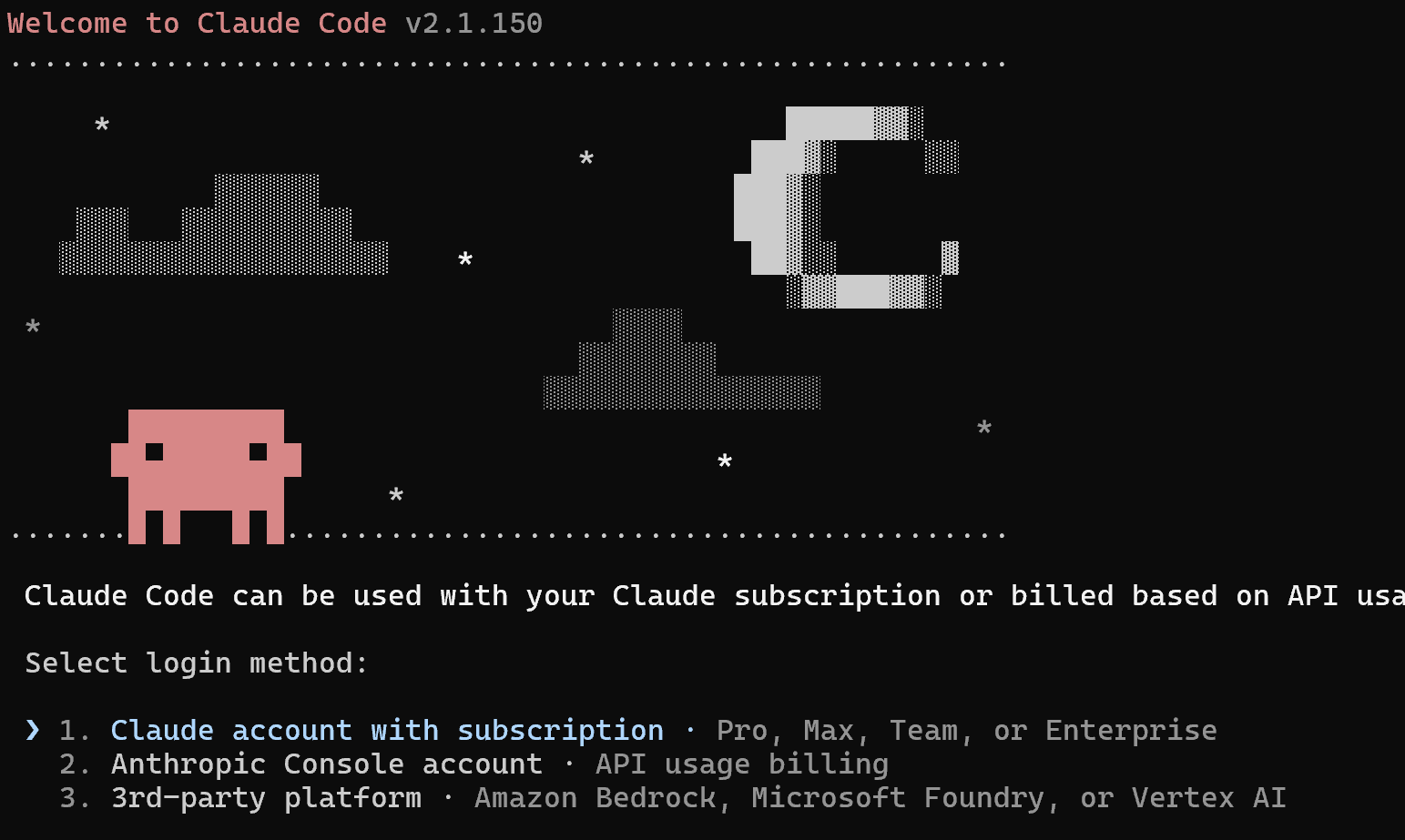
1. Account로 로그인 선택
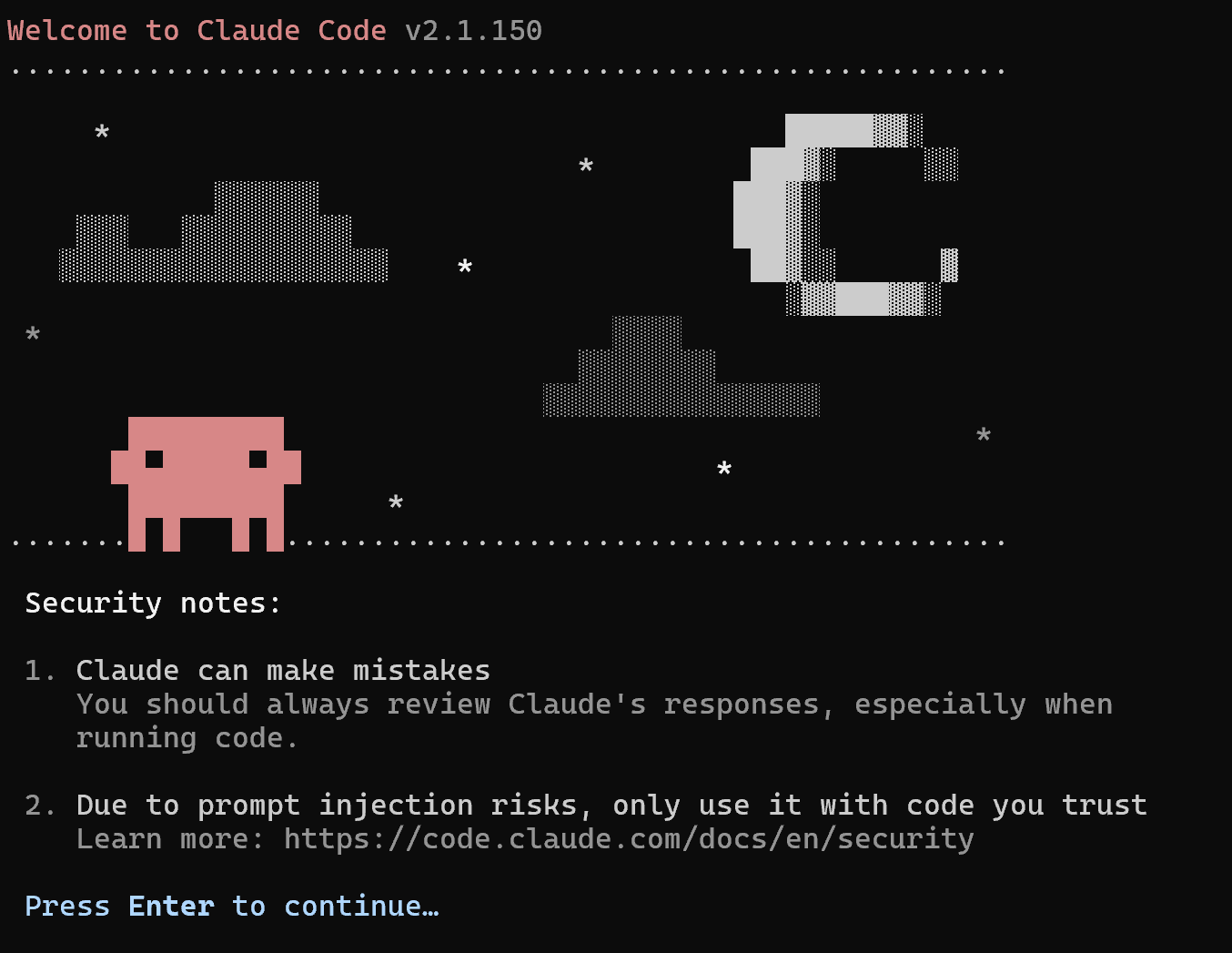
https://code.claude.com/docs/en/security)
*추후 관련글 (AI Agent Security) 작성 예정 #todo
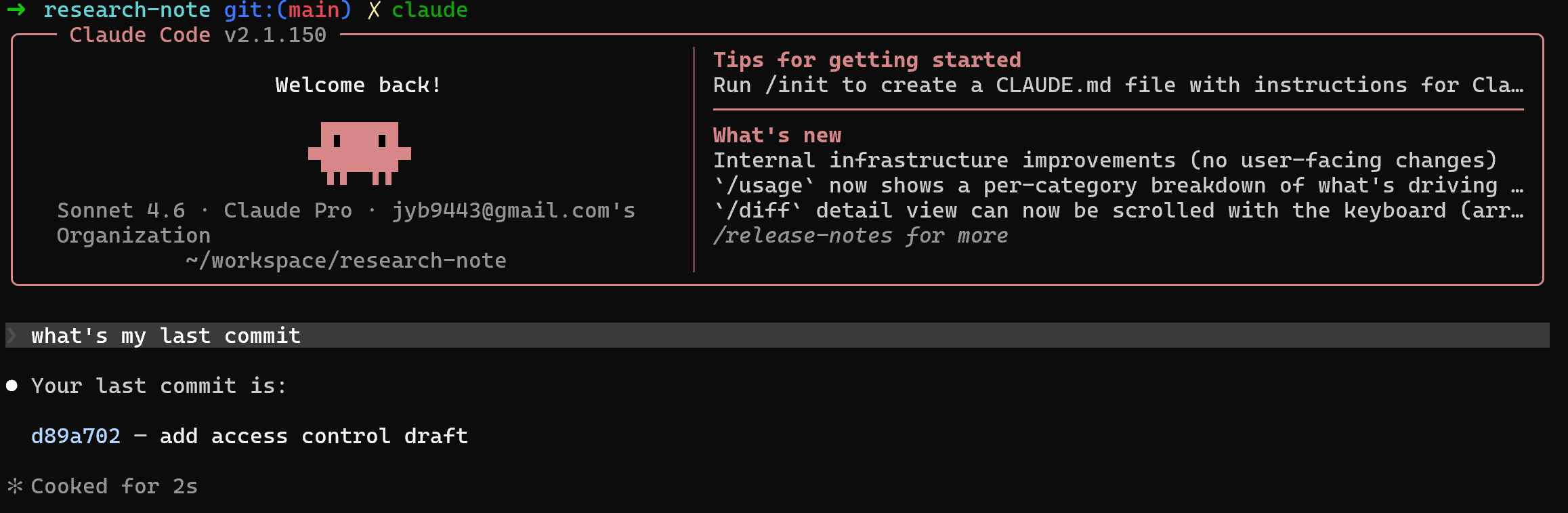
간단하게 명령 실행: what's my last commit?
2. Discord 연결
출처: https://discordjs.guide/legacy/preparations/app-setup
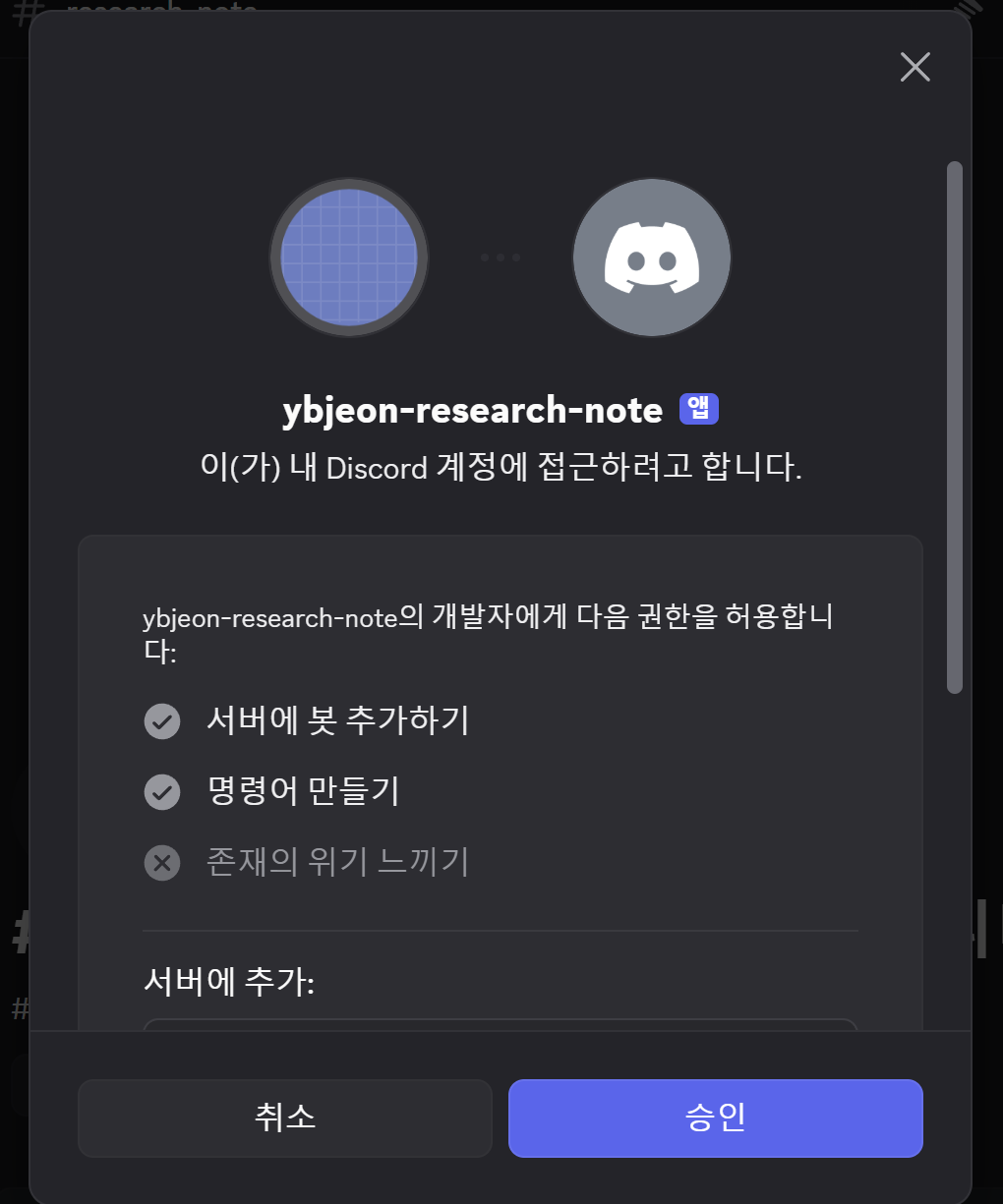
New Application → Bot → Reset Token으로 토큰을 만들고,
New Application → Bot → 권한 설정: Message Content Intent → ON
OAuth2 URL Generator에서 bot과 applications.commands를 선택해 서버에 초대
1. 폴더 생성
mkdir claude-discord-bot
cd claude-discord-bot
npm init -y
npm i discord.js dotenv
2. 파일 생성
.env:
DISCORD_TOKEN=디스코드_봇_토큰
ALLOWED_CHANNEL_ID=허용할_채널_ID
PROJECT_DIR=/absolute/path/to/your/repo
index.js:
require("dotenv").config();

const { Client, GatewayIntentBits, Events } = require("discord.js");
const { execFile } = require("node:child_process");
const path = require("node:path");

const client = new Client({
  intents: [
    GatewayIntentBits.Guilds,
    GatewayIntentBits.GuildMessages,
    GatewayIntentBits.MessageContent,
  ],
});

function runClaude(prompt) {
  return new Promise((resolve, reject) => {
    const cwd = process.env.PROJECT_DIR || process.cwd();

    execFile(
      "claude",
      [
        "-p",
        prompt,
        "--append-system-prompt",
        "You are being called from a Discord bot. Be concise. Do not expose secrets.",
      ],
      {
        cwd,
        timeout: 120_000,
        maxBuffer: 1024 * 1024 * 5,
      },
      (error, stdout, stderr) => {
        if (error) return reject(stderr || error.message);
        resolve(stdout.trim());
      }
    );
  });
}

client.once(Events.ClientReady, (c) => {
  console.log(`Logged in as ${c.user.tag}`);
});

client.on(Events.MessageCreate, async (message) => {
  if (message.author.bot) return;

  if (
    process.env.ALLOWED_CHANNEL_ID &&
    message.channel.id !== process.env.ALLOWED_CHANNEL_ID
  ) {
    return;
  }

  if (!message.content.startsWith("!claude ")) return;

  const prompt = message.content.slice("!claude ".length).trim();
  if (!prompt) return message.reply("질문을 입력해 주세요.");

  await message.channel.sendTyping();

  try {
    const answer = await runClaude(prompt);
    const chunks = answer.match(/[\s\S]{1,1900}/g) || ["응답이 비어 있습니다."];

    for (const chunk of chunks) {
      await message.reply("```text\n" + chunk + "\n```");
    }
  } catch (err) {
    await message.reply(`Claude Code 실행 중 오류가 났습니다:\n\`\`\`text\n${String(err).slice(0, 1800)}\n\`\`\``);
  }
});

client.login(process.env.DISCORD_TOKEN);
실행:
node index.js
3. 결과
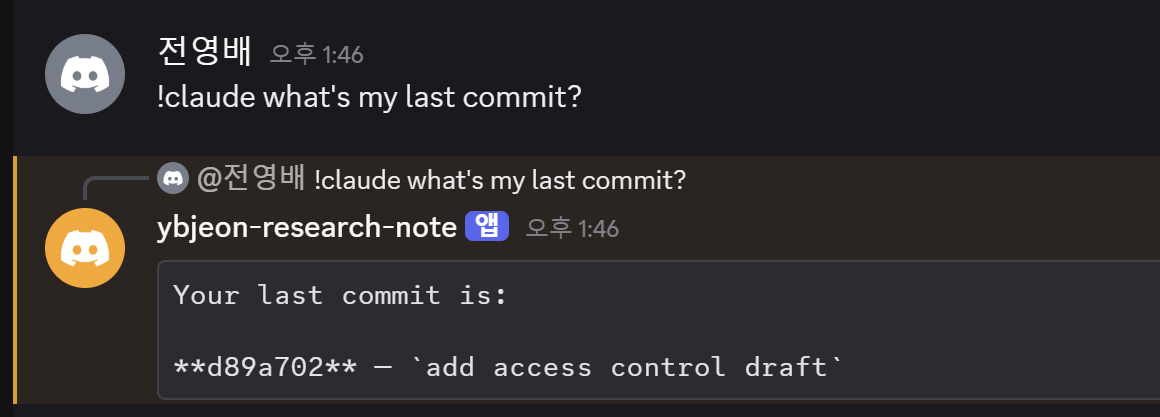
Q. Chatting history가 계속 입력으로 들어가는가?
A. No, session 개념이 없고 각 input이 독립이며 chatting history가 다시 입력으로 들어가지 않음.
추가 업그레이드 가능한 부분
- 심화된 action (write나 execute 포함)도 테스트
- 어차피 채팅방 혼자 쓰기 때문에, 모든 채팅을 명령어로 바꿔도 괜찮을 듯 하다(!claude도 제거)
- Session 생성 및 주기 설정: 몇 clawlike agent 들 처럼 생성 주기를 하루 정도
- Claude Code의 channel 개념이 있는지 확인하고 적용 #todo
근본적인 질문
- 밖에서도 Agent 상태를 확인할 수 있다는 이점이 있지만 그 외 어떤 것들이 좋아서 쓰는지 아직 잘 모르겠다.
- 당연한 얘기지만 delay가 조금 있다.
- Read는 괜찮은데 Write 관련된건 아직 마음이 안놓인다.
'Dev' 카테고리의 다른 글
| AWS의 AI-DLC (AI-Driven Development Life Cycle): robust 바이브 코딩 (0) | 2026.06.16 |
|---|---|
| 개인 서버 CLI에 Claude Code + Discord - Claude Code Mobile 비교 (0) | 2026.06.14 |
| 개인 서버 CLI에 Claude Code + Discord - #4 다중 권한 설정 + @멘션으로 봇 호출 (0) | 2026.06.12 |
| 개인 서버 CLI에 Claude Code + Discord - #3 채널마다 프로젝트 연결 + write 테스트 (0) | 2026.06.06 |
| 개인 서버 CLI에 Claude Code + Discord - #2 Session 추가 (0) | 2026.06.05 |